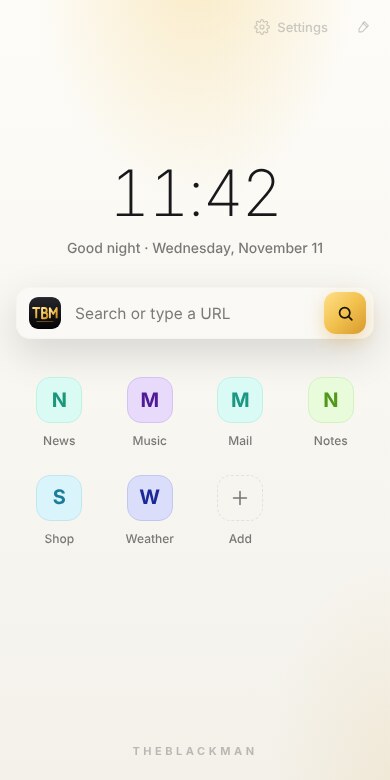
TheBlackMan is a fast, free browser with a built-in ad and tracker blocker, a one-tap adult-site filter and separate profiles for everyone in your home. Your data never leaves your device.

A clean, quick browser built for everyday use — at home, at work and for the whole family.
Pop-ups, banners, video ads and hidden trackers are stopped before they load. Pages open faster and use less data.
Turn it on once in Settings and adult websites are blocked, with SafeSearch forced on Google, Bing and YouTube. Great for shared and family devices.
Separate history, bookmarks, logins and settings for each person — just like Chrome.
Tabs you haven't used for a while go to sleep automatically and wake up instantly when you return.
Open a private window and nothing — history, cookies or searches — is saved after you close it.
Pick a folder for every download, or set one default location.
A bright, clean look by default, with a dark mode that's easy on the eyes at night.
The whole browser works in English or Bangla — switch any time in Settings.
We don't run servers that watch what you do. No accounts, no analytics, no ad SDKs. The ad blocker and adult filter work entirely on your device.
Available for Windows and Android. Your settings, your way, on every device.
TheBlackMan is free. No sign-up, no subscription, no hidden fees.
TheBlackMan is free and has no ads. If it makes your browsing better, you can support its development with a coffee. Every cup helps keep it free.
Yes. TheBlackMan is completely free to download and use. There are no ads inside the browser and no paid version.
Almost every site works normally. If one doesn't, tap the shield icon and allow ads on that site — it's remembered for next time.
Open Settings and switch on "Block adult sites". It takes effect immediately for every tab.
Your history, bookmarks and passwords stay on your own device. We don't collect, sell or share anything. See our privacy policy for details.
This message appears for new apps that Windows doesn't know yet. Click "More info" and then "Run anyway" to continue the installation.
You can add your favourite sites as shortcuts on the new tab page and bookmark pages as you browse. Each profile keeps its own bookmarks.
Free for Windows and Android.